Dashboard
The optional dashboard is generated from your Nix configuration. It shows your rooms and devices, lets you control them and activate scenes, and can show your own status cards and pages.
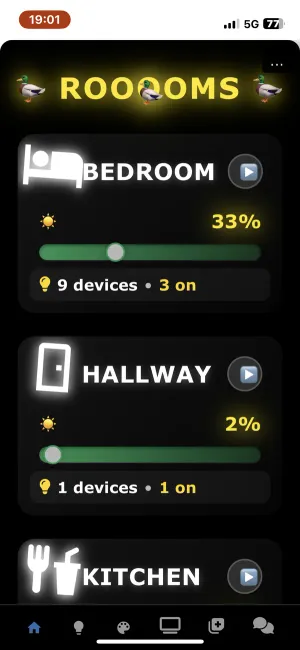
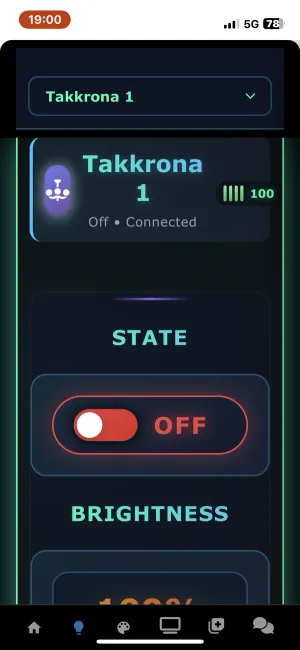
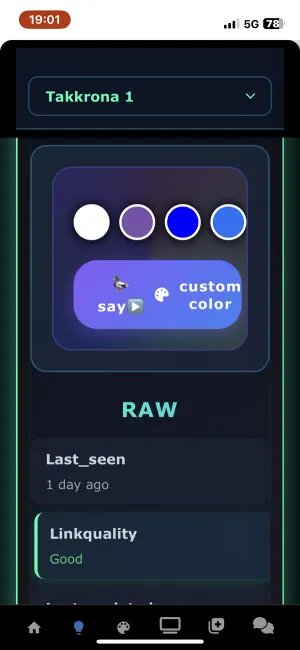
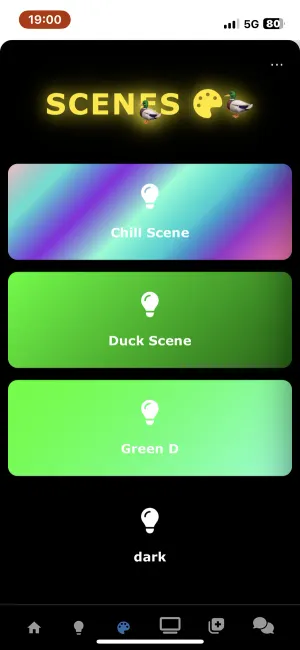
Turn it on with services.zigduck.dashboard.enable. See Installation.
Status cards
Section titled “Status cards”A status card reads a value from a JSON file and shows it on the dashboard, optionally with a history chart. The usual pattern is an MQTT automation that writes the file and a card that reads it.
First, write the living room temperature to a file on every sensor update:
house.zigbee.automations.mqtt_triggered = {  temperature_update = {    enable = true;    description = "Update living room temperature on the dashboard";    topic = "zigbee2mqtt/Living Room Sensor";    actions = [      {        type = "shell";        command = ''          # Read the "temperature" field from the MQTT payload and write it to          # /var/lib/zigduck/temperature.json, keeping the last 200 readings.          VALUE=$(echo "$MQTT_PAYLOAD" | jq '.temperature')          FILE="/var/lib/zigduck/temperature.json"          mkdir -p "$(dirname "$FILE")"
          if [ ! -s "$FILE" ]; then            jq -n --argjson v "$VALUE" '{ temperature: $v, history: [$v] }' > "$FILE"          else            jq --argjson v "$VALUE" '              .temperature = $v |              .history += [$v] |              .history = (.history[-200:])            ' "$FILE" > "$FILE.tmp" && mv "$FILE.tmp" "$FILE"          fi        '';      }    ];  };};
Then add a card that reads it and charts the history:
house.dashboard.statusCards = { temperature = { enable = true; title = "TEMPERATURE C"; group = "sensors"; icon = "fas fa-thermometer-half"; color = "#e74c3c"; theme = "glass"; # neon, minimal, dark, glass or colorful filePath = "/var/lib/zigduck/temperature.json"; jsonField = "temperature"; format = "{value} °C"; detailsFormat = "Temperature in Hallway"; chart = true; historyField = "history"; # Run actions when the card is clicked on_click_action = [ { type = "shell"; command = "example shell command"; } ]; };};Card icons are Font Awesome classes. Cards with the same group
are shown together.
Extra pages
Section titled “Extra pages”Add your own tabs to the dashboard with HTML and CSS:
house.dashboard.pages = { "3" = { icon = "fas fa-television"; title = "remote"; # Symlink extra files or folders into the web server files = { tv = "/var/lib/zigduck/tv"; }; css = '' /* your CSS */ ''; code = '' <h1>Remote</h1> ''; };};