GNOME extension
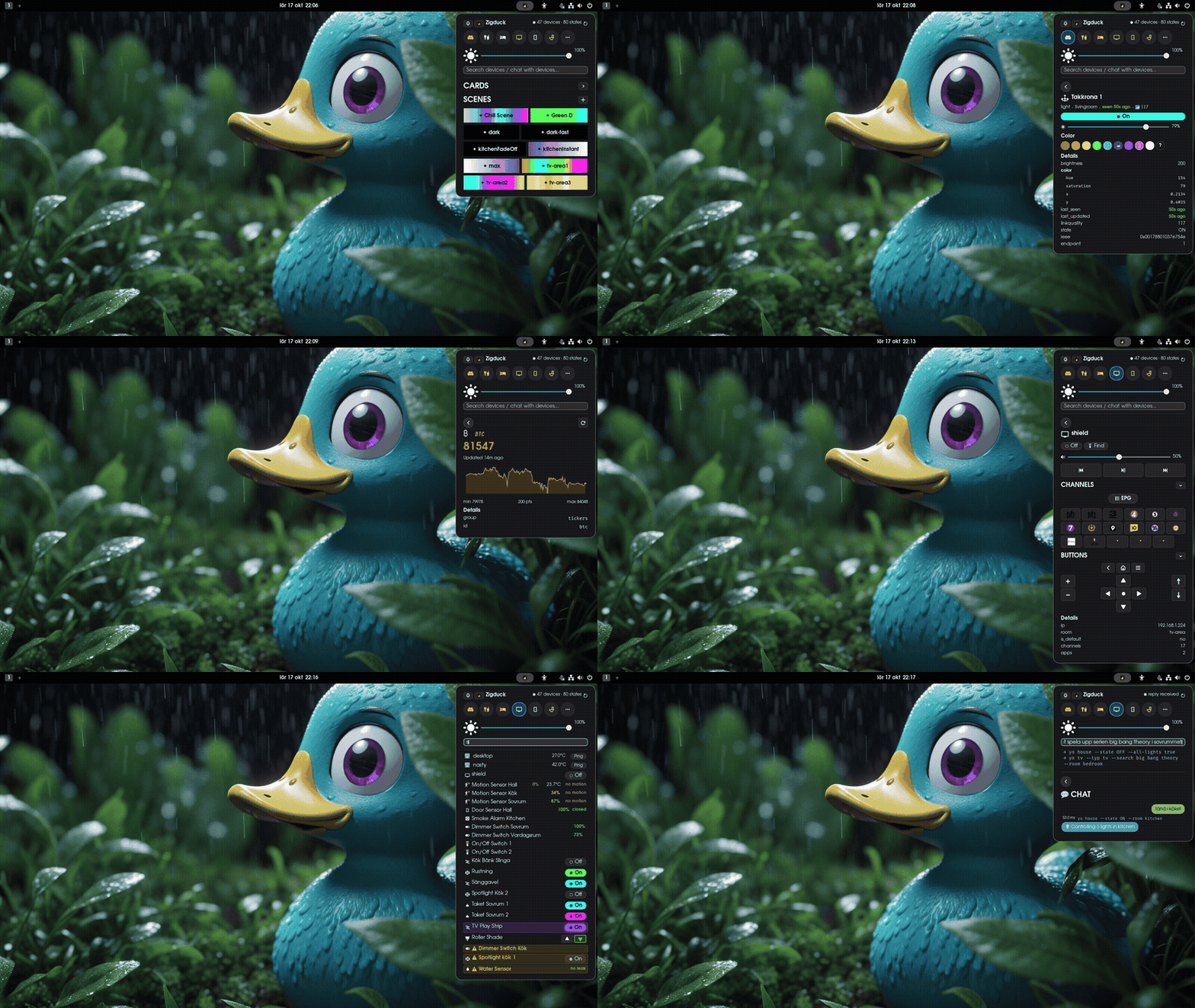
The zigduck GNOME Shell extension puts your house in the top bar. Control rooms and devices, activate scenes and browse the TV guide without opening a browser.
Install
Section titled “Install”-
Add the package to your system:
services.zigduck.gnomeExtension.enable = true; -
Rebuild, then turn the extension on:
Terminal window gnome-extensions enable zigduck@quackhack-mcblindy.com
Files it reads
Section titled “Files it reads”The extension looks for each config file in its own folder, then in ~/.local/share/zigduck/, then
in /etc/zigduck/. The NixOS module puts the device, room and scene files in /etc/zigduck/ for
you.
For the TV guide, run tv-scraper. It writes
~/.local/share/zigduck/epg.json by default, which is where the extension expects it.
Non-Zigbee devices with controls show those controls as widgets in the device detail view. See
Non-Zigbee devices.